The GCS control panel shows per-robot status: Ping, Recording, and Battery (voltage and percentage when the robot's MAVROS battery topic is bridged to the GCS).
The TAK Architecture looks like follows:

Note: Please check out the config file at config.yaml to understand further on how things are setup.
Learn how to use the TAK features:
1. Sending Robot Query from the TAK Chat.
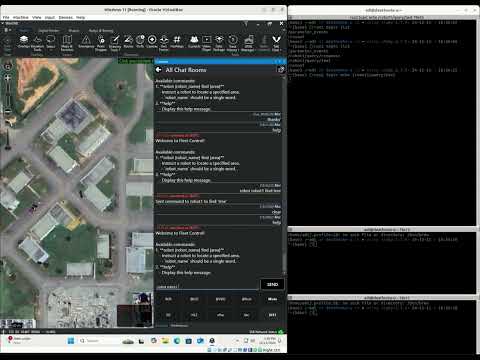
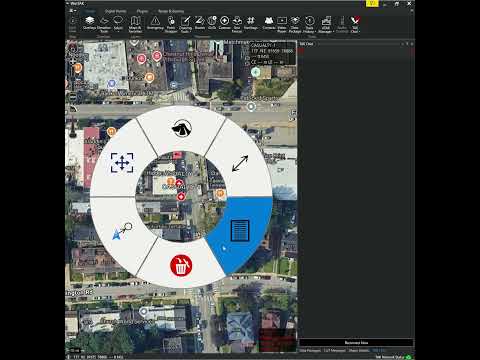
2. Displaying automated Casevac icons from the casualty inspections:
Debugging tips:
launch just the gcs container: